How to Make an Unforgettable Car AI Video: The Complete 2026 Step-by-Step Creator Guide
 Unforgettable Car AI Editorial
A comprehensive, actionable tutorial on creating viral Unforgettable Car AI videos: photo preparation, scene styling, UNO reveal timing, and audio beat-syncing on TikTok and Instagram Reels.
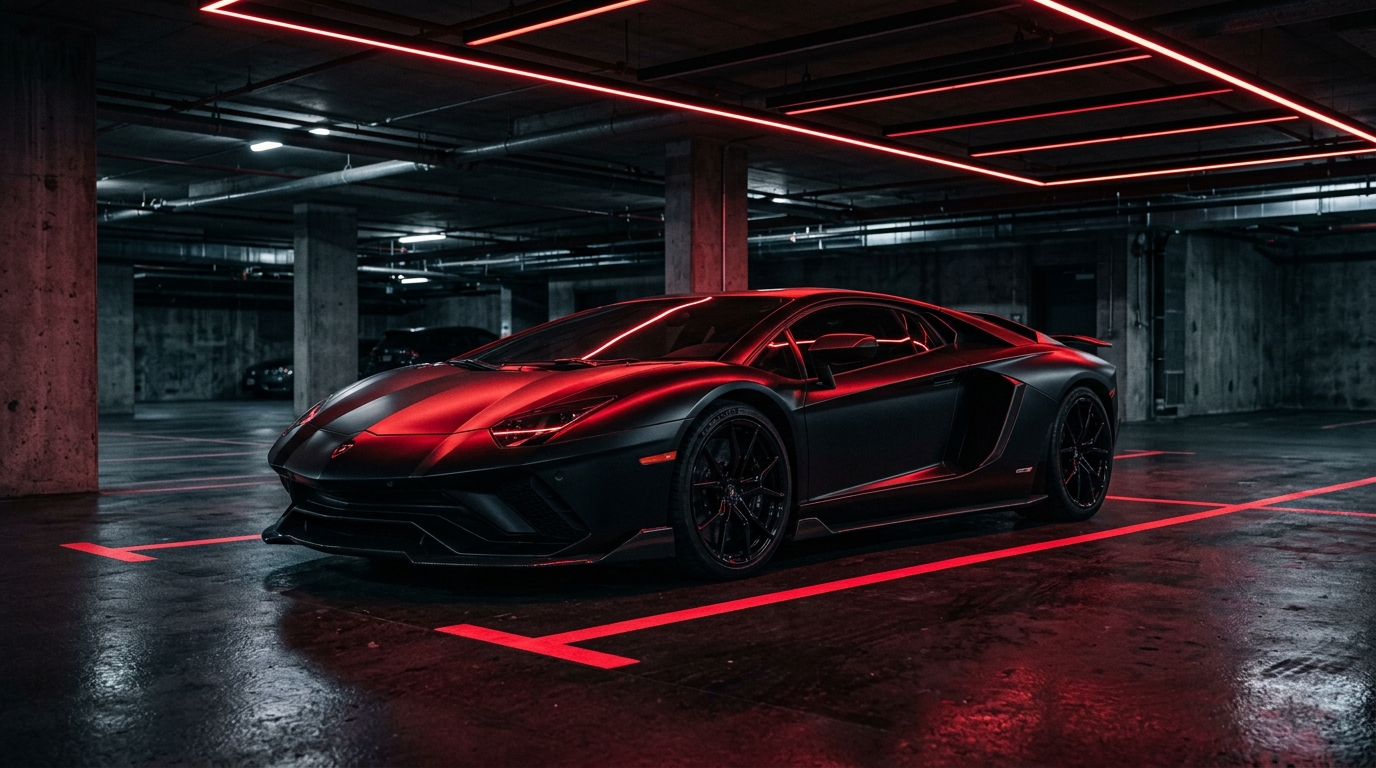
Ready to join the billions of views across social media and create your own cinematic supercar reveal video? Whether you want to post on TikTok, Instagram Reels, or YouTube Shorts, this guide walks you through the entire end-to-end process in under three minutes.
Step 1: Prepare the Ideal Portrait Selfie
The output quality of any generative AI video depends heavily on the input photograph. To achieve the sharpest facial reconstruction and most natural motion:
- Lighting: Use bright, even frontal lighting (facing a window or ring light). Avoid heavy backlighting or strong facial shadows.
- Framing: Frame from the mid-chest up. Keep your face centered in the camera.
- Expression: A neutral, calm, or slight smirk works best for the "unbothered swagger" aesthetic.
- Accessories: You do not need to wear sunglasses in your photo! Our AI automatically outfits you with designer dark sunglasses calibrated specifically to your face shape.
Step 2: Choose Your Dream Vehicle
In the Unforgettable Car AI Studio, you can select from our curated showroom or upload a photo of your own vehicle:
- Red Racing Supercar (Ferrari / SF90): The all-time viral classic. Its scarlet gloss finish catches underground strip lighting with unmatched drama.
- Matte Black Stealth (Lamborghini Huracán / Aventador): The ultimate underground dark aesthetic for sleek nighttime vibes.
- White Hypercar (Bugatti / Koenigsegg): High-key luxury suited for bright daylight and futuristic cityscapes.
- Luxury G-Wagon (Mercedes-AMG G63): Heavy luxury presence, perfect for milestone achievements and executive vibes.
Step 3: Select Your Cinematic Environment
The environment sets the narrative mood:
- Underground Obsidian Garage: The canonical viral setting with polished wet-look epoxy floors and linear LED overhead battens.
- Neon Rain City: Cyberpunk reflections, glistening pavement, and atmospheric night fog.
- Desert Highway: Sunset golden hour with expansive horizons and horizon rim lighting.
Step 4: Configure the Reveal Cards
- Classic 24 Mode: Features the authentic Red 2 and Green 4 UNO cards, matching the original viral trend.
- 21st Birthday Mode: Replaces the 4 with a 1, creating a festive 21st celebration clip with floating balloons.
Step 5: Audio Synchronization on TikTok & Instagram Reels
Our studio exports a 9:16 high-definition video with an ambient beat-matched reference track. When posting to social media, follow these simple steps to ensure 100% audio licensing and algorithmic boost:
- Open TikTok or Instagram Reels and tap the upload button.
- Select your exported Unforgettable Car video.
- Tap Audio / Sounds and search for "Unforgettable" by French Montana ft. Swae Lee.
- Set the sound volume to 100% and the original clip audio to 0%.
- The audio drop will lock 100% frame-accurately onto your card swipe, giving your post instant viral audio eligibility!